NanoBanana
API
AI Image Generation & Editing — powered by Google Nano Banana.
Text-to-image, multi-reference, inpainting. Simple API.
Need Video too?
vgen.abhibots.com — generate video & images with 20+ top AI models. Text-to-video, image-to-video, image gen & edit. Same simple REST API, pay-as-you-go.
Gallery
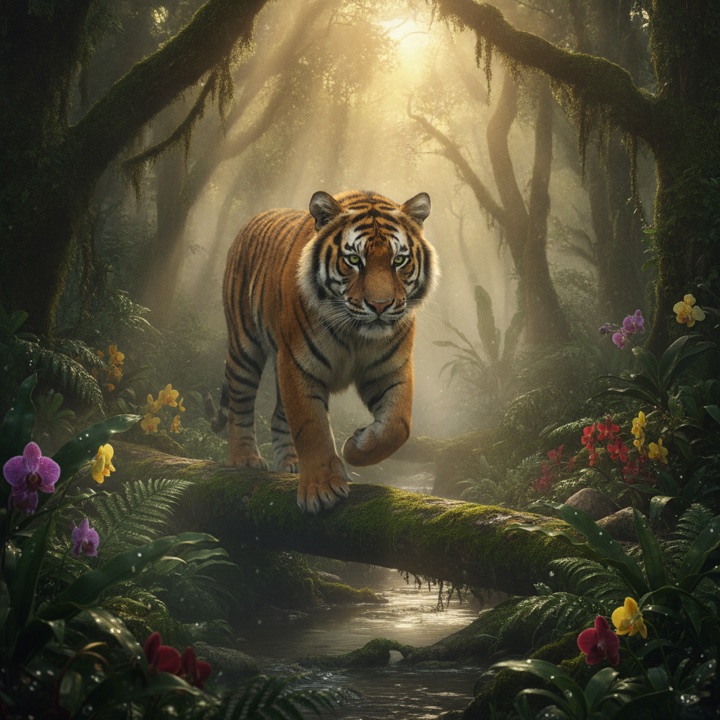
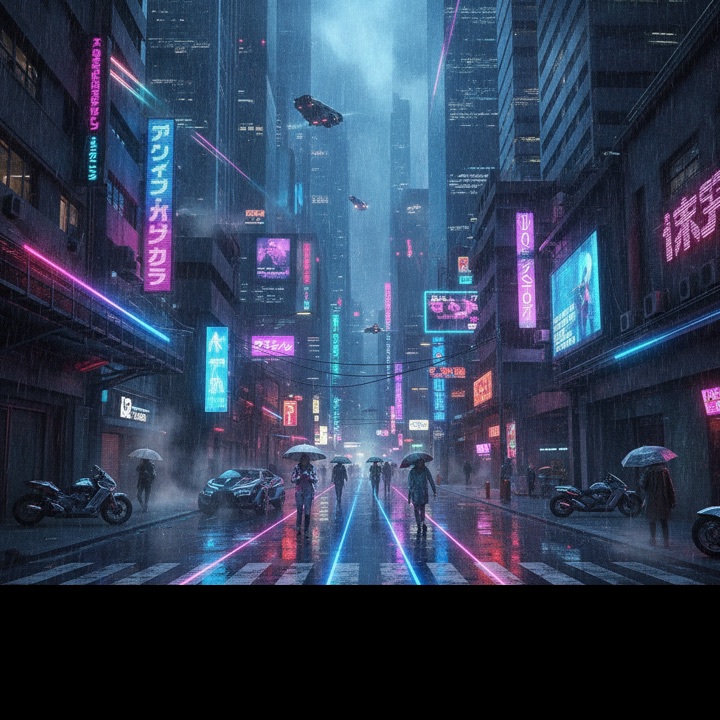
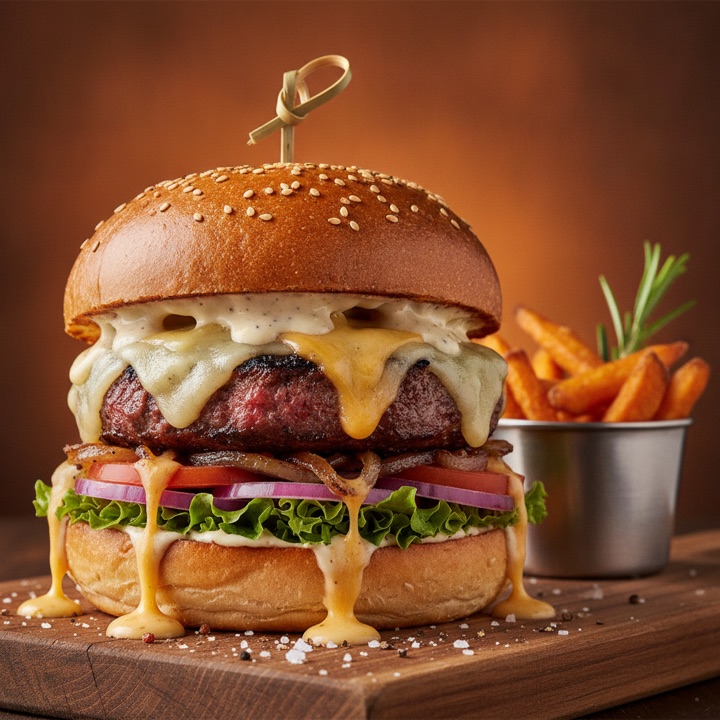
Made with NanoBanana

Pricing
Simple, transparent plans
Pay once, generate all month. No hidden fees.
Docs
API Reference
Integrate in minutes. Simple REST + JSON.
Authentication
Send your API key in every request header.
X-Api-Key: YOUR_API_KEYGenerate Image
POST/v1/generate
curl -X POST https://nano.abhibots.com/v1/generate \
  -H "X-Api-Key: YOUR_API_KEY" \
  -H "Content-Type: application/json" \
  -d '{"prompt":"a cinematic sunset over mountains","model":"banana2"}'
Response
{
  "success": true,
  "image_url": "https://storage.nano.abhibots.com/abc123.png",
  "resolution": "1024x1024",
  "usage": {
    "used": 5,
    "limit": 50,
    "window": "hourly"
  }
}
Edit / Multi-Reference
POST/v1/edit
Pass up to 10 reference images as URLs or base64 data URIs in the images array.
Note: whole-image editing is temporarily unavailable — text-to-image (/v1/generate) is fully operational across every model. Masked inpainting (below) still works.
{
  "prompt": "merge these two styles into one portrait",
  "model": "banana2",
  "images": [
    "https://example.com/ref1.jpg",
    "data:image/png;base64,iVBORw0KGgo..."
  ]
}
Masked edit (inpainting)
Send an optional mask (URL or data URI, same size as the source) to change one region and keep the rest of the photo pixel-exact. White = repaint this area, black = keep the original. One source image per masked edit.
{
  "prompt": "a bright red vintage car",
  "model": "banana2",
  "images": ["https://example.com/beach.jpg"],
  "mask":   "data:image/png;base64,iVBORw0KGgo..."
}
Generate Video
POST/v1/video→ then pollGET/v1/video
Video takes minutes, so it is two calls: submit returns a task_id immediately, then you poll until the clip lands. Polling is free — it does not count against your quota.
curl -X POST https://nano.abhibots.com/v1/video \
  -H "X-Api-Key: YOUR_API_KEY" \
  -H "Content-Type: application/json" \
  -d '{"prompt":"a paper plane gliding over clouds at golden hour",
       "aspect_ratio":"16:9","duration":5}'
Response
{
  "success": true,
  "task_id": "combo_alg-7ab176c1-…",
  "state": "processing",
  "model": "minimax-h3",
  "poll": "/v1/video?task_id=combo_alg-7ab176c1-…"
}
Poll every ~10s
curl "https://nano.abhibots.com/v1/video?task_id=TASK_ID" \
  -H "X-Api-Key: YOUR_API_KEY"
{ "success": true, "state": "processing" }
# …then, once it lands:
{
"success": true,
"state": "done",
"video_url": "https://nano.abhibots.com/img/9f3c…mp4"
}Image to video
Add image_url and the clip animates that picture instead of starting from the prompt alone.
{
  "prompt": "the camera pushes in slowly as the light shifts",
  "image_url": "https://example.com/photo.jpg",
  "aspect_ratio": "16:9",
  "duration": 5
}
Parameters & limits
duration— 5 or 15 seconds.aspect_ratio— 16:9 · 9:16 · 1:1 · 4:3 · 3:4.- One clip at a time. A second submit while one is rendering returns
429and is not charged — retry in about a minute. - Render time scales with length: a 5s clip lands in about 2–6 minutes, a 15s clip in roughly 15. Don't hold a request open for it — just poll.
- Download promptly.
video_urlis served from our storage and is swept after roughly 30 minutes.
Rate Limits & Concurrency
There is no concurrency limit to code around. Send as many requests in parallel as you like — anything above the 4 that can generate at once simply waits in line and is served in the order it arrived. A burst of 20 finishes in a couple of minutes; none of them are thrown away.
- Hourly quota — set by your plan (e.g. 150/hr on basic, 500/hr on lite). Exceeding it returns
429withretry_after_seconds. - Queue — a request waits up to 300s for a slot. Only if the queue is deeper than that do you get a
429, and retrying immediately is fine. Set your client timeout to at least 180s.
A 429 from either limit is not charged, and neither is an upstream failure. Each response carries a concurrency object with your in-flight count and the current queued depth. Typical generation takes 12–35s depending on model.
Models
Models run on our managed generation engine, with Adobe Firefly as a separate engine behind the firefly model. Pass any model by name in the model field; unlisted legacy names map to banana2.
banana2Recommended default · balanced quality & speedbananaFastest · lighter & quickerseedreamSeedream 4 — vivid, artisticseedream-liteSeedream 5 Lite — faster, lightergpt-imageGPT Image 2 — sharp & accurategpt-image-flareGPT Image 2.5 Flare — everyday, fastgpt-image-sunburstGPT Image 2.5 Sunburst — exceptional qualitywanWan 2.7 — clean, photographicfireflyAdobe Firefly — separate engine · fastest